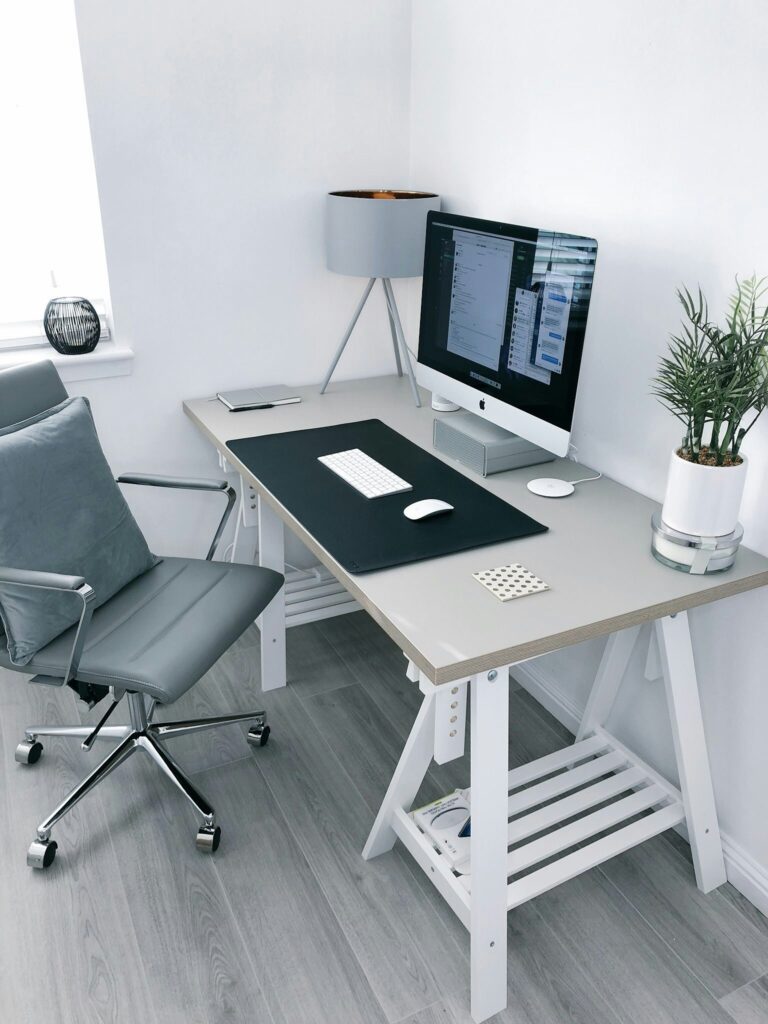
Creating a comfortable and efficient laptop setup is one of the most important steps for anyone working remotely. Without the right arrangement, long hours on a laptop can quickly lead to poor posture, discomfort, and reduced productivity.
The good news is that you don’t need a complicated or expensive office setup to fix this. With a few simple adjustments and basic tools, you can build a workspace that supports your body and helps you work more comfortably throughout the day.

Why Most Remote Work Laptop Setups Cause Discomfort
Most remote work setups are not designed with comfort or ergonomics in mind. Many people simply place their laptop on a desk or table and start working for hours without considering posture or screen height.
This often leads to common issues such as neck strain, shoulder tension, and lower back discomfort. Over time, these small problems can add up and affect both productivity and overall well-being.
The main issue is not the laptop itself, but how it is being used on a daily basis.
Key Elements of a Comfortable Laptop Setup
A comfortable laptop setup is based on a few simple but important elements. First, your screen should be positioned at eye level to avoid straining your neck. Second, your seating position should support your lower back and allow your feet to rest flat on the ground.
Third, your arms should remain in a natural position while typing, without unnecessary tension in your shoulders or wrists. When these basic elements are in place, your overall laptop ergonomics improve significantly, especially during long remote work sessions.
The goal is to create a setup that feels natural and reduces physical stress throughout the day.
Simple Tools That Improve Your Laptop Setup
Improving your laptop setup does not always require a complete office makeover. In fact, a few simple tools can make a significant difference in your comfort and posture while working remotely.
Items like laptop stands, external keyboards, and ergonomic mice are designed to support better alignment and reduce strain on your body. Even small changes like these can greatly improve your overall laptop ergonomics over time.
The key is to start with the basics and gradually build a setup that works best for your daily routine.
Laptop Stand: The Foundation of a Better Setup
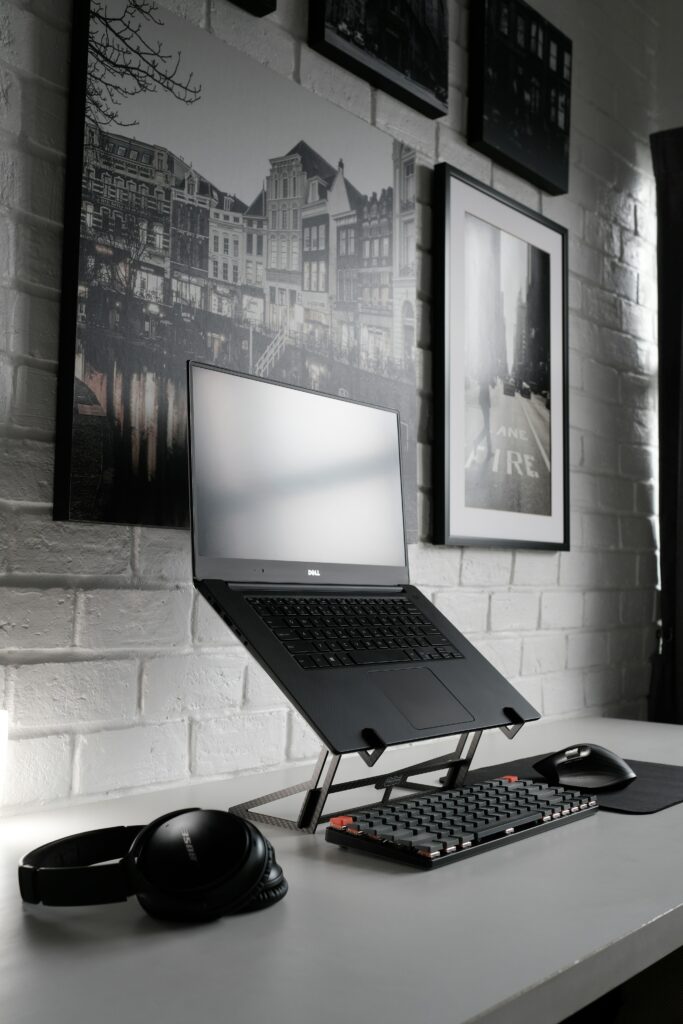
A laptop stand is one of the most important tools for improving your laptop setup. By raising your screen to eye level, it helps maintain proper posture and reduces strain on your neck and upper back.
This simple adjustment can make a noticeable difference during long remote work sessions, especially if you spend several hours a day on your laptop. It also creates a more ergonomic foundation for adding other tools like external keyboards and mice.
Ergonomic Mouse: Reducing Wrist Strain and Improving Comfort
An ergonomic mouse is designed to improve comfort during long hours of computer use. Unlike a standard trackpad or basic mouse, it supports a more natural hand position, helping to reduce strain on your wrist, forearm, and shoulder.
This is especially important in a remote work setup where repetitive movements can quickly lead to discomfort. Over time, using an ergonomic mouse can contribute to better overall laptop ergonomics and a more comfortable daily workflow.
It’s a simple upgrade that works well alongside a laptop stand to create a more balanced and efficient workspace.
External Keyboard: Completing Your Ergonomic Setup
An external keyboard is an essential part of a proper laptop setup. When combined with a laptop stand, it allows your screen to stay at eye level while keeping your hands and wrists in a more natural position.
This helps reduce strain on your wrists, arms, and shoulders, especially during long remote work sessions. It also improves typing comfort and supports better overall posture throughout the day.
Together with a laptop stand and ergonomic mouse, an external keyboard helps create a more balanced and comfortable workspace that supports long-term productivity.
Final Thoughts: Building a Comfortable Remote Work Setup
Creating a comfortable laptop setup is not about buying expensive equipment, but about making smart and simple adjustments to your environment. Small improvements in posture, screen height, and input tools can have a significant impact on your daily comfort and productivity.
By focusing on the basics of laptop ergonomics, you can reduce physical strain and make long remote work sessions much more manageable. The key is to start simple, stay consistent, and gradually build a setup that supports both your health and your workflow.
With the right approach, your workspace can become a place where you work more comfortably, focus better, and feel less fatigue at the end of the day.