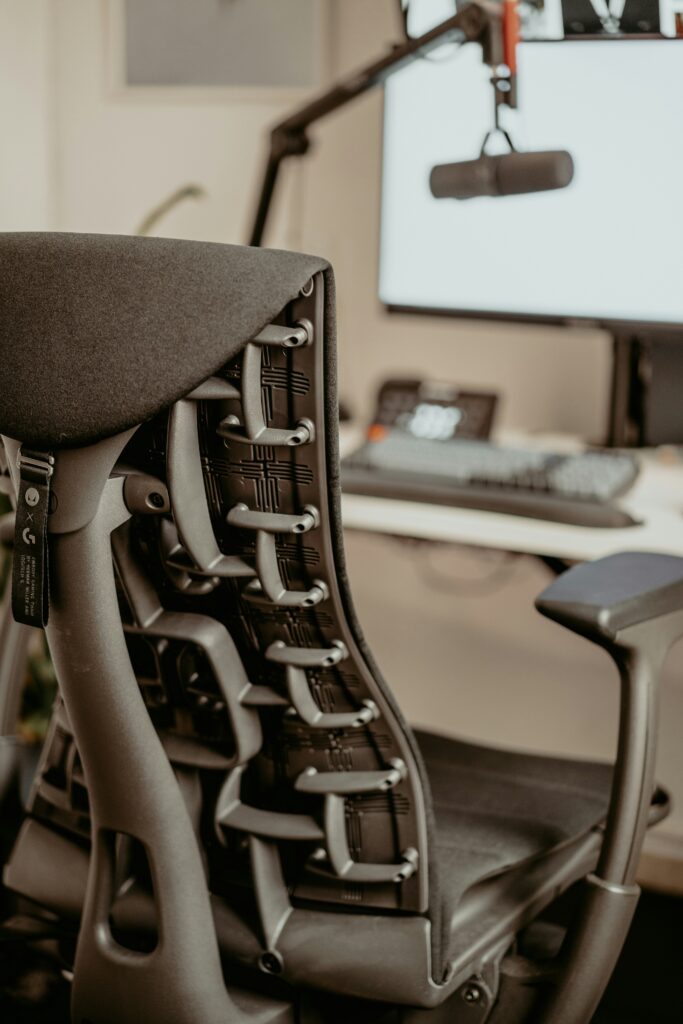
Working from home has become the new normal for many people, but it often comes with an unexpected downside: neck and back pain. Spending long hours in front of a laptop without proper support can quickly lead to discomfort and fatigue.
The good news is that most of these issues can be significantly reduced with a few simple ergonomic adjustments. You don’t need a professional office setup — just a better understanding of how your body should be positioned while working.

Why Neck and Back Pain Happens When Working From Home
Neck and back pain while working from home is usually caused by poor posture and improper laptop positioning. Most people spend long hours looking down at their screens, which forces the neck into an unnatural position and puts extra strain on the spine.
Over time, this can lead to muscle tension, stiffness, and ongoing discomfort. Sitting for extended periods without proper support only makes the problem worse, especially when breaks are infrequent.
The issue is not working from home itself, but the lack of an ergonomic setup that supports the body correctly.
Simple Ergonomic Fixes You Can Start Today
The good news is that preventing neck and back pain doesn’t require expensive equipment or a complete office setup. A few simple ergonomic adjustments can make a noticeable difference in how your body feels throughout the day.
Raising your laptop screen to eye level, maintaining a neutral sitting posture, and keeping your arms in a relaxed position while typing are some of the most effective changes you can make.
These small adjustments help improve your overall laptop ergonomics and reduce unnecessary strain during long working hours from home.
Essential Tools That Help Reduce Pain and Improve Comfort
While simple posture adjustments can already make a big difference, using the right tools can further reduce neck and back pain when working from home. These tools are designed to support better alignment and comfort during long hours at your desk.
A laptop stand helps bring your screen to eye level, an external keyboard allows for a more natural arm position, and an ergonomic mouse reduces strain on your wrist and shoulder. Together, these tools help create a more balanced and supportive workstation.
Over time, combining good habits with the right ergonomic tools can significantly improve your daily comfort and productivity.
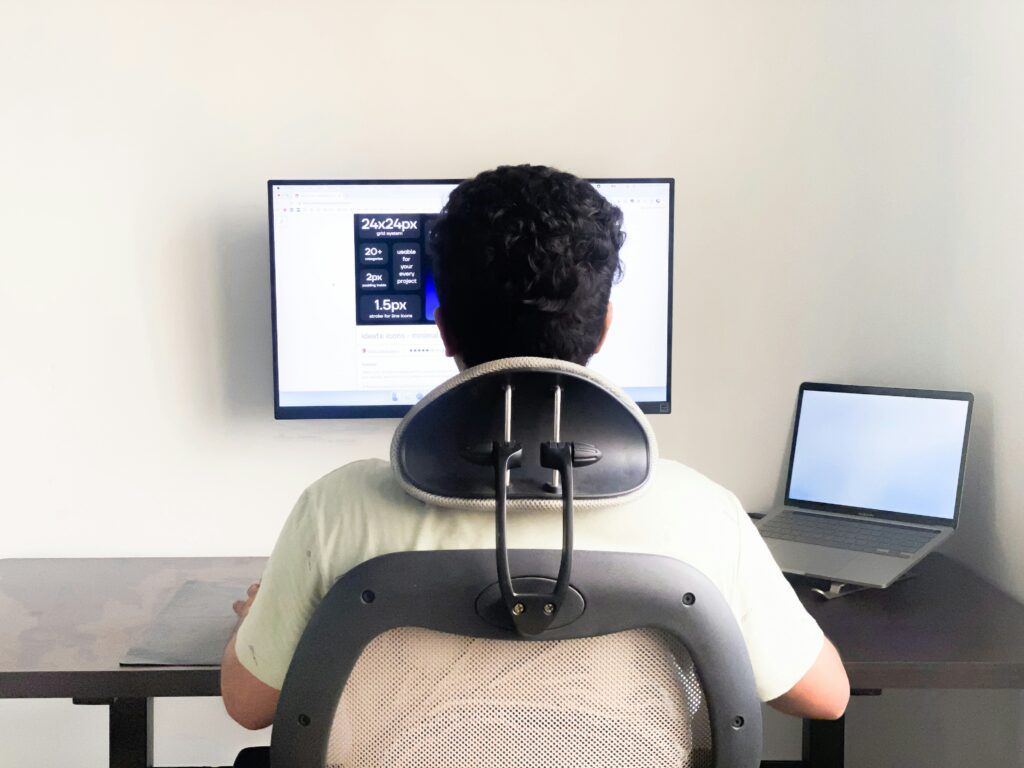
Final Thoughts: Building a Pain-Free Work From Home Setup
Preventing neck and back pain while working from home is not about making drastic changes, but about building better habits and using simple ergonomic solutions. Small adjustments in posture, screen height, and workspace setup can make a significant difference over time.
By focusing on comfort and alignment, you can create a work environment that supports your body instead of straining it. The key is consistency — applying these improvements daily leads to long-term relief and a more sustainable remote work experience.
With the right approach, working from home can become both comfortable and productive without unnecessary physical discomfort.